
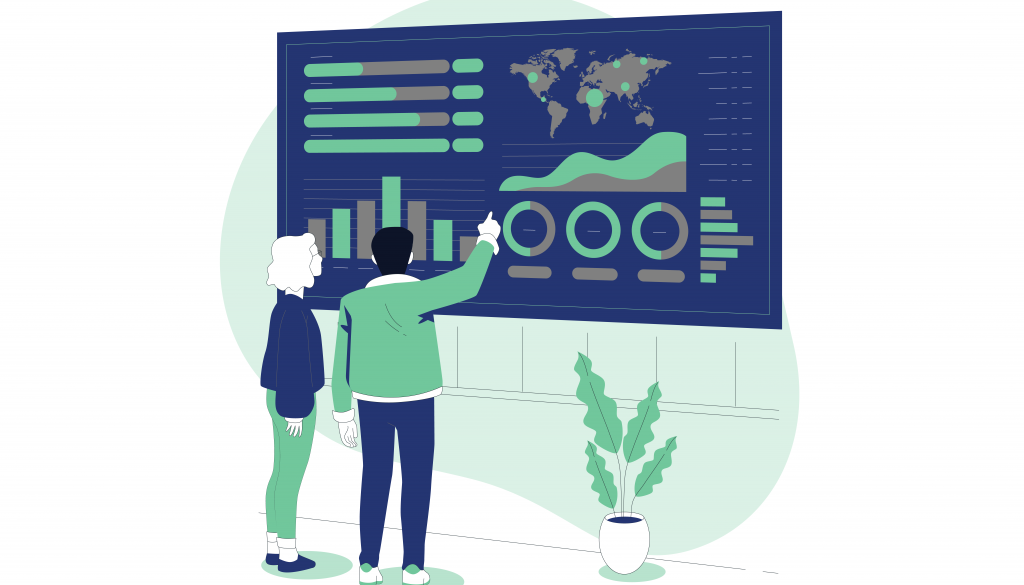
Whether you’re a beginner looking to dive into data visualization or an experienced analyst aiming to refine your skills, our guide will take you through the world of Tableau and its powerful data visualization capabilities.
- Introduction to Tableau
Learn about Tableau, a leading data visualization and business intelligence tool that empowers users to analyze, visualize, and share data insights.
Explore the benefits of using Tableau for data exploration, analysis, and communication of findings.
Understand how to download, install, and navigate Tableau Desktop, the primary tool for creating visualizations and dashboards.
- Data Connection and Preparation
Discover how to connect Tableau to various data sources, including databases, spreadsheets, and online platforms.
Learn techniques for cleaning, shaping, and transforming raw data to make it suitable for visualization in Tableau.
Explore Tableau Prep, a tool designed for data preparation and blending, to streamline your data workflow.
- Creating Visualizations
Dive into creating fundamental visualizations like bar charts, line charts, scatter plots, and more.
Understand how to combine multiple visualizations into interactive dashboards, allowing users to explore data on their own terms.
Learn how to create geographic maps and spatial visualizations to analyze location-based data.
- Advanced Tableau Techniques
Introduce calculated fields and expressions to customize your data analysis and create new insights.
Explore Tableau’s powerful calculation capabilities to perform advanced calculations and create custom measures.
Understand how to use parameters and filters to enable user interactivity and control over visualizations.
- Data Analytics with Tableau
Discover Tableau’s built-in analytical functions and how they can be applied to gain deeper insights from your data.
Learn how to use Tableau to create forecasts and analyze trends in your data.
- Sharing and Collaboration
Explore how to share your Tableau visualizations with others by publishing to Tableau Server or Tableau Online.
Understand the options for sharing your Tableau workbooks with non-licensed users through Tableau Reader and Tableau Public.
Learn how to embed Tableau visualizations into web pages, blogs, and other applications.
- Tips for Effective Tableau Usage
Provide insights into designing visually effective and user-friendly dashboards and visualizations.
Share tips for optimizing dashboard performance, including data source optimization and dashboard layout considerations.